Everything your yard runs on — in one system.
Reservations, rate books, dispatch, condition reports, agreements and billing on one platform. Unlimited assets, unlimited yards, unlimited free inspector logins.
 15 min. with Rune — no sales pitch, just straight answers.
Equipment rental is complicated enough already. Your software should not make it worse.
Every feature here removes a specific problem we have watched yards deal with. Nothing for show.
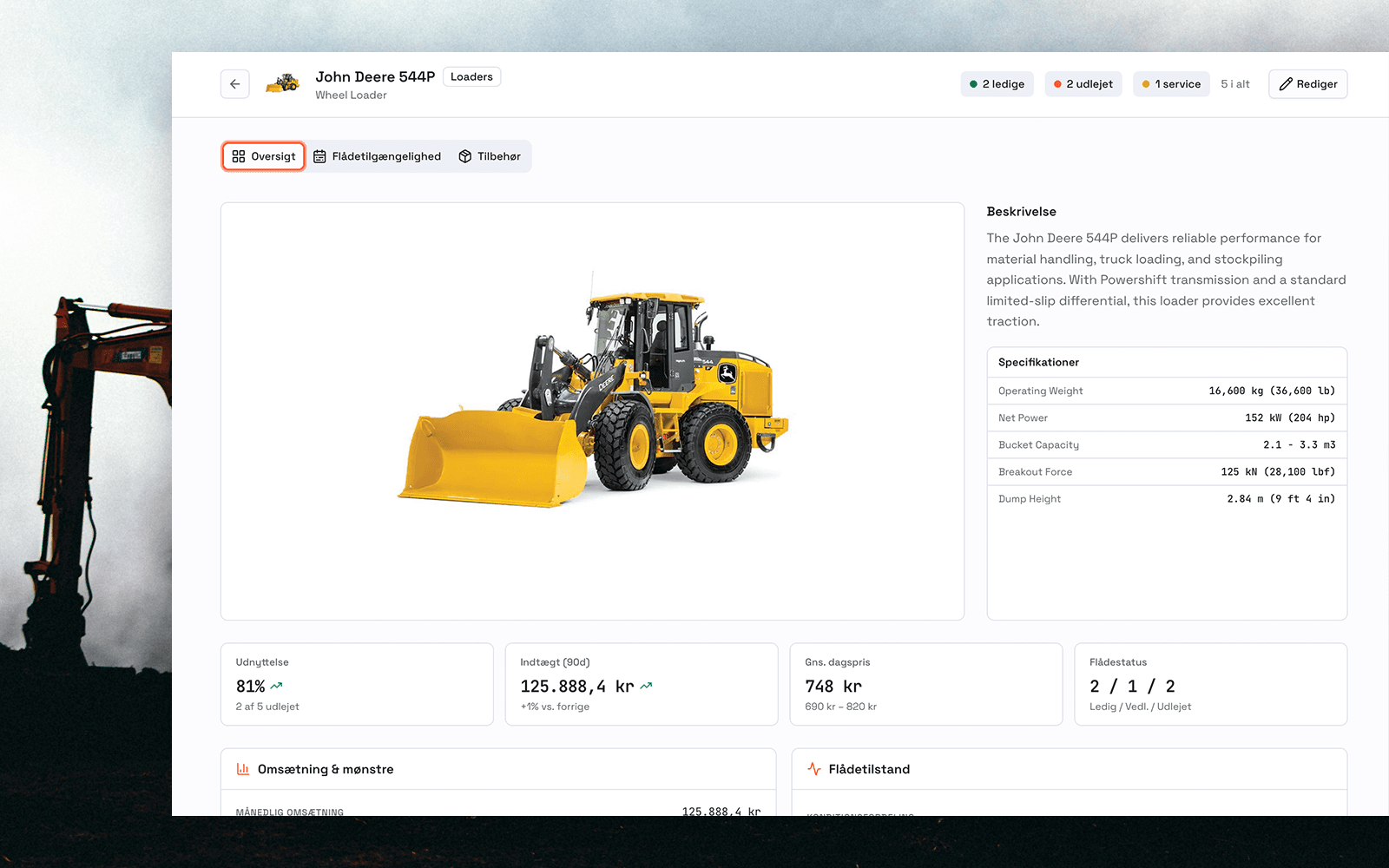
Running the yard, proving what happened, and getting paid.
Click a block to jump straight to the detail below.
Together, the features make up MovoGo's rental system. New to rental? Start here and model the economics of a machine before you invest.
See also the self-service customer portal, the rental software vs. your ERP comparison, and our event & party rental solution.
The rate book is a spreadsheet only one person can read. Availability lives on a whiteboard. When a customer calls for a 40 ft boom lift on Thursday, somebody has to walk the yard before you can answer.
Running the yard
The asset register holds every unit with photos and documents attached. The availability calendar shows what is free, what is out on rent and what is due back. Rate books price the rental by category, customer or contract — without anyone opening a spreadsheet.
Reservations, dispatch and receiving run in the same place. Scheduled maintenance keeps units out of the calendar while they are down. There is no cap on assets or yards, and reporting consolidates across all of them.
- Asset register with photos and documents
- Availability calendar and reservations
- Rental rate books by category, customer or contract
- Dispatch and receiving app
- Scheduled maintenance
- Bundled rentals with price override
- Unlimited assets, unlimited yards, consolidated reporting
The unit comes back with a cracked panel. The customer says it was already there. You have a paper ticket, no photos, and a signature nobody can tie to a person.
Proving what happened
Condition reports capture photos and a signature at pickup and return, timestamped against the unit and the rental agreement. Delivery and pickup tickets record who moved what, and when.
Rental agreements are signed digitally. When a claim comes up, the damage dispute workflow puts the record, the photos and the signatures in one place instead of three. COI tracking sits on the customer record so the counter can check coverage before equipment leaves.
- Condition reports with photo capture and signature at pickup and return
- Delivery and pickup tickets
- Digital rental agreements with e-signature
- Damage dispute workflow
- COI tracking on the customer record
The invoice goes out three days late, missing the delivery charge and the extra day. Sales tax was calculated off the yard address, and the job site was in another county.
Getting paid
Invoicing runs off the rental itself — rate book, extra days, delivery and damage waiver as a billable line. Sales tax is calculated by the delivery address, not the yard address, which is what Texas requires once equipment crosses jurisdiction lines.
It posts to QuickBooks Online, and works with Foundation Software and Sage 300 CRE. If your ledger wants a file instead, CSV export comes out in a standard layout.
- Invoicing and payments
- Damage waiver as a billable line
- Texas sales tax calculated by delivery address
- QuickBooks Online integration
- Foundation Software and Sage 300 CRE
- CSV export in standard ledger layout
Seats cost money, so the crew shares one login. Every condition report in the system is signed by the same account — which means none of them are signed by anyone.
Every inspector gets their own login. At no cost.
The inspector role captures photos, completes walkarounds and signs as the individual. It cannot see rates, invoices or customer records. There is no limit on how many you create, and they are free on every plan.
That matters for one reason. Every mechanic and yard hand gets his own login, so every signature on a condition report belongs to a named person. Shared logins break that chain — and a broken chain is why damage claims get lost.
- Unlimited inspector logins, free on every plan
- Photo capture and walkarounds
- Signs as the named individual
- Cannot see rates, invoices or customer records
Every availability question comes through the counter. Your customers cannot see what you have, so they call — and if you do not pick up, they call the yard down the road.
What your customers see
The customer portal gives each account self-service: what they have out, what is due back, and their documents. The white-label rental site puts your fleet online under your own brand, with Google Maps so customers find the right yard.
Everything reads in imperial units throughout — US tons, feet and pounds.
- Customer portal on every account
- White-label rental site with Google Maps
- Imperial units throughout (US tons, feet, pounds)
Questions about MovoGo's features
Need an answer on something specific? Book 15 minutes with Rune — he will answer anything.
Ready to bring the whole operation into one place?
15 minutes. No sales pitch. Just you, Rune and a demo that shows exactly how MovoGo fits your yard.